Meetings by link, without giving yourself away
Create a video meeting now or schedule it, then share a link or a QR code. Whoever opens it on a phone or a computer lands straight in that meeting in the Umbera app. The server sees only a random room number. It doesn’t know who created the meeting or who is in it.
Create in a few taps
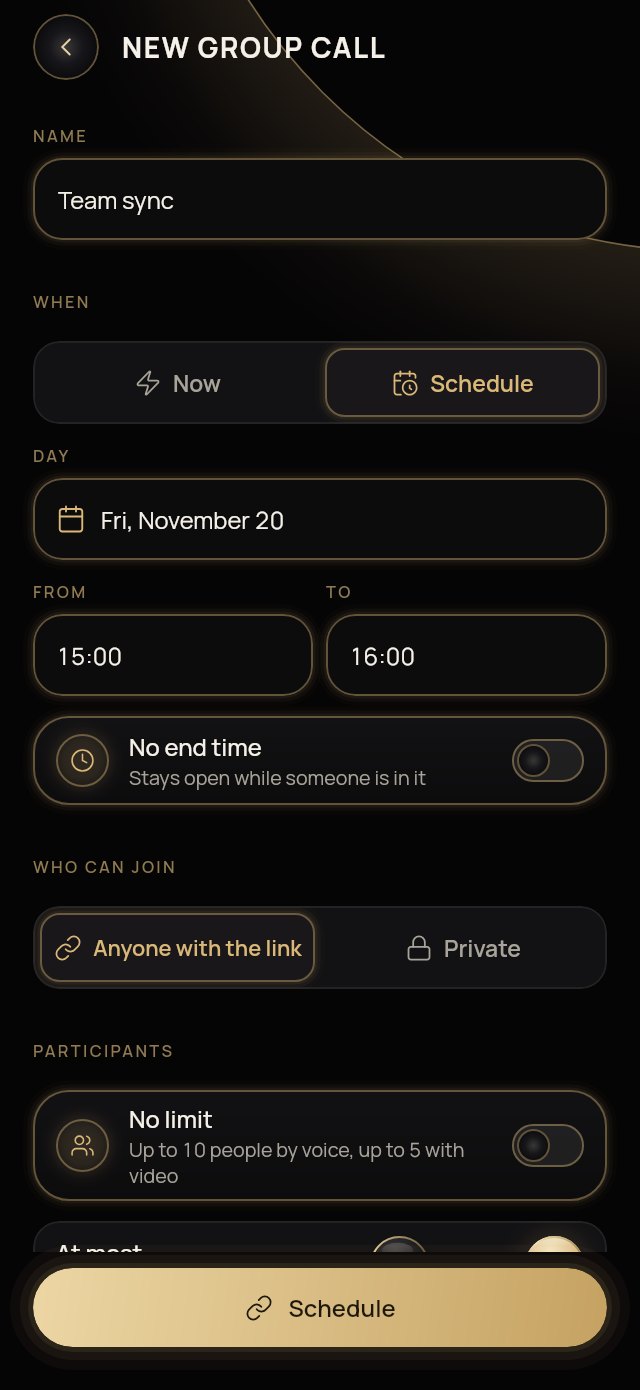
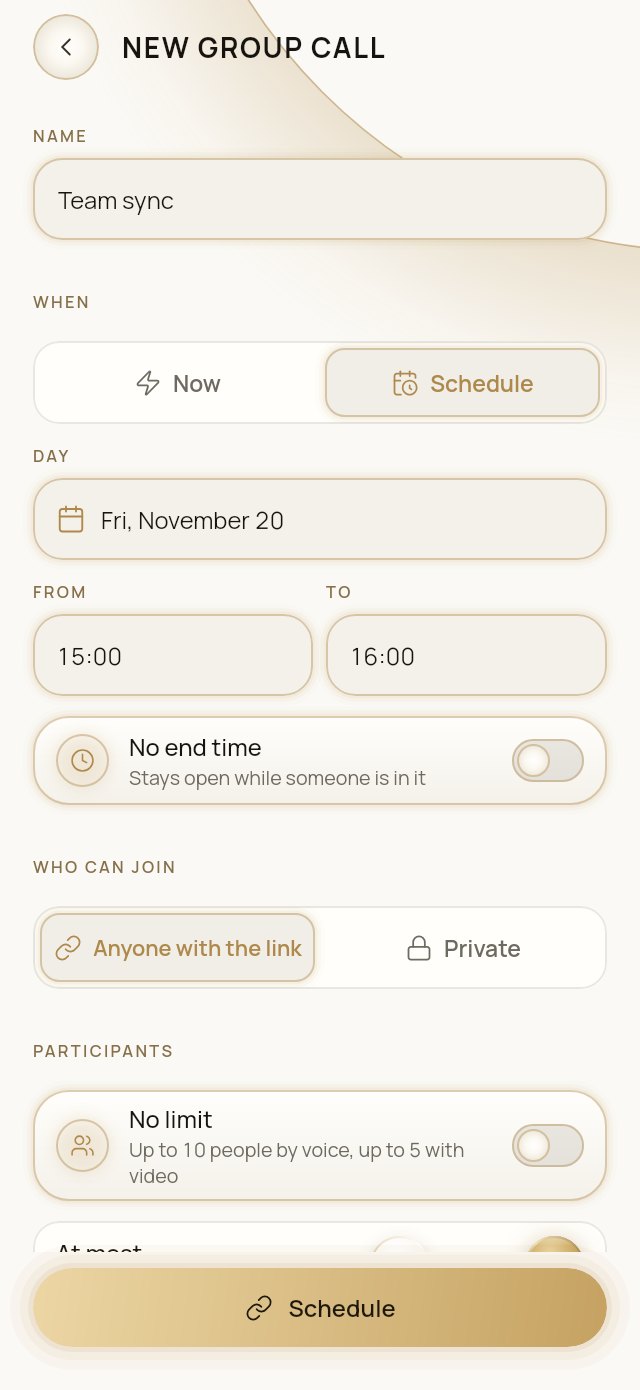
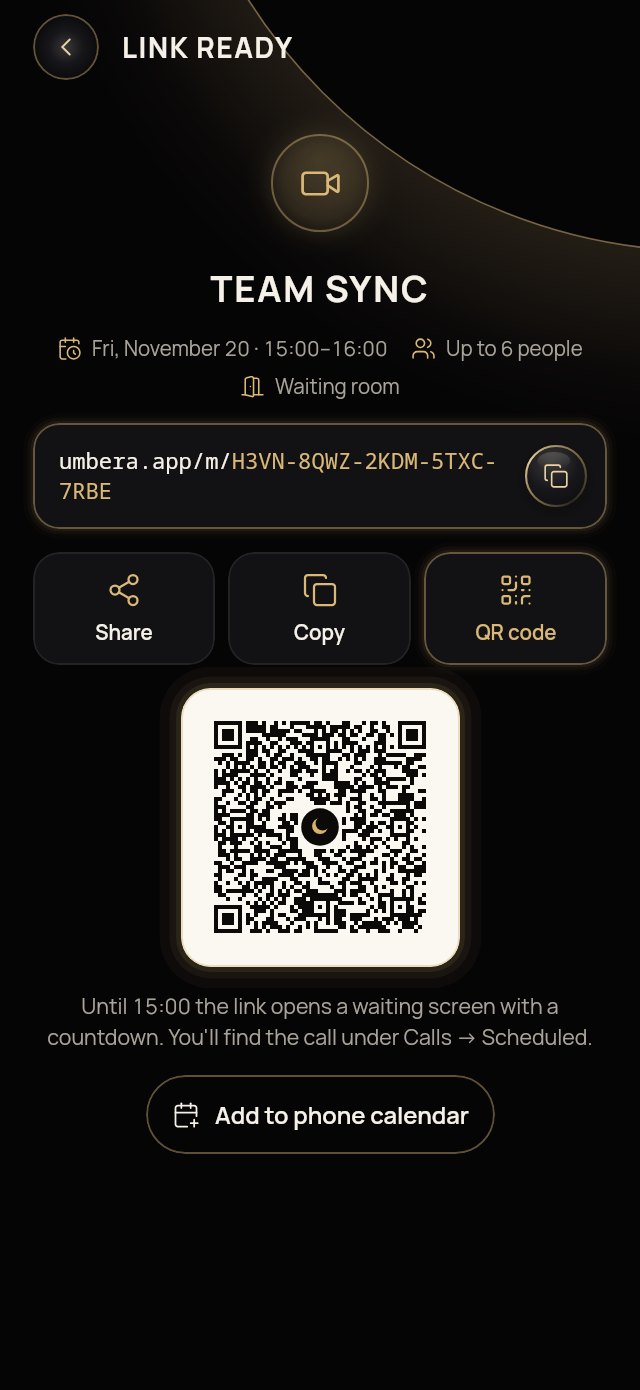
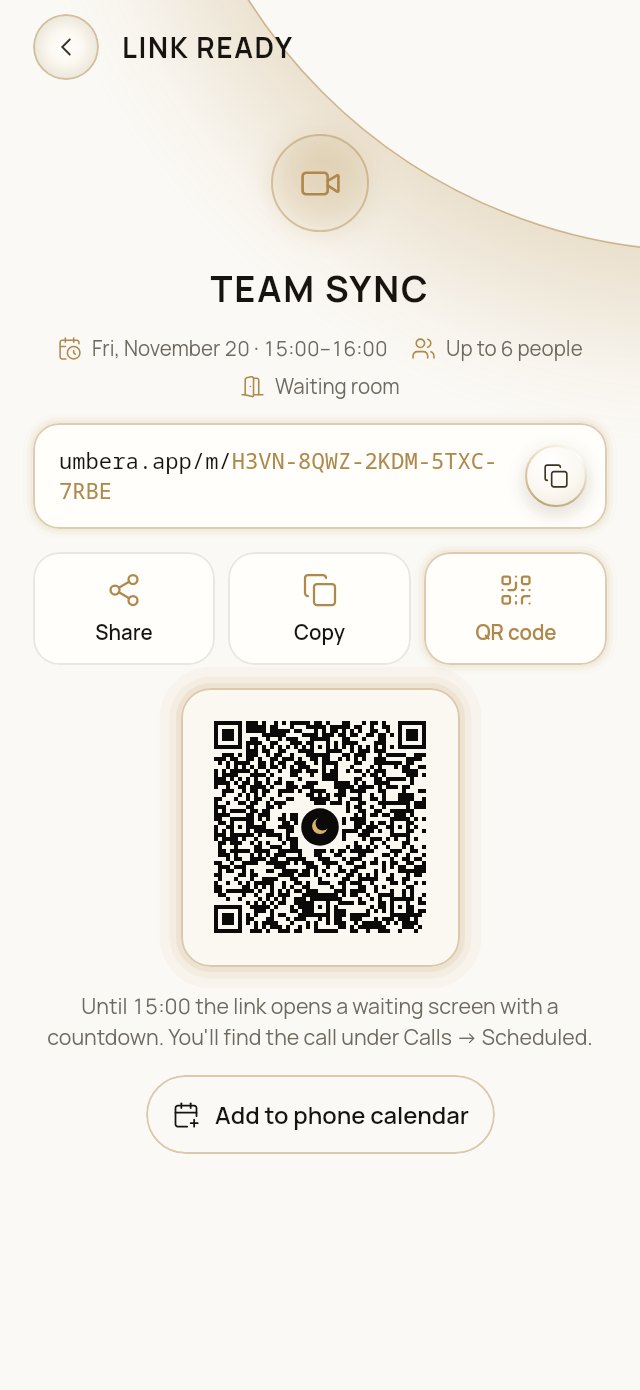
Now or on a schedule. Start right away, or pick a day and a time. A meeting can also run with no end time, for as long as someone is in it.
Open or closed. Open: anyone with the link can ask to join, and a waiting room lets you admit people one by one. Closed: only people you add from your contacts get in, each with a personal pass. A forwarded link won’t open for anyone else.
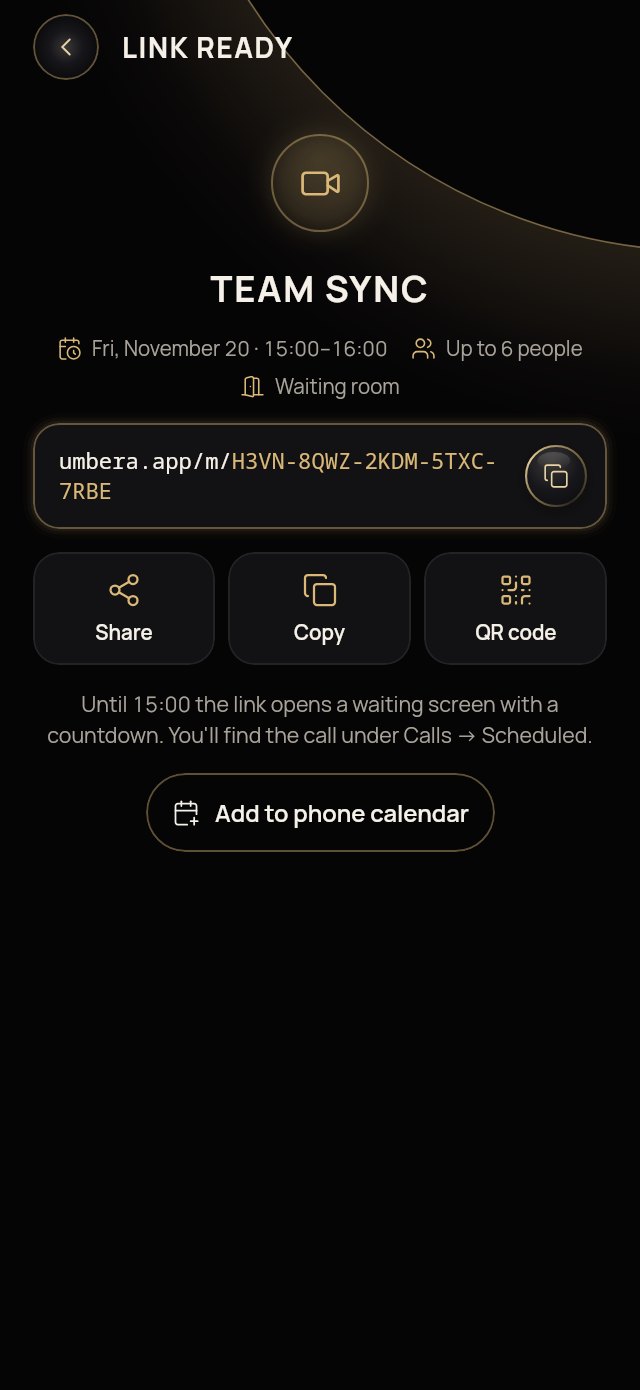
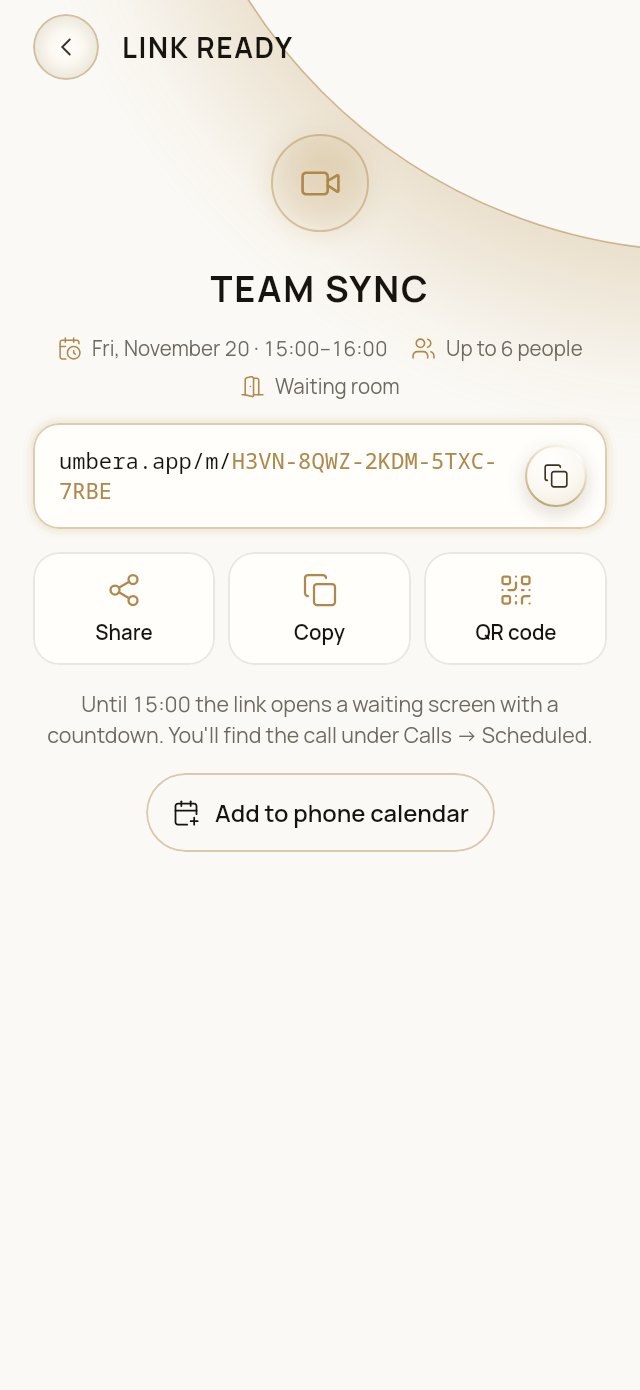
Link, QR code or a card in a chat. Share it anywhere. Our logo sits in the middle of the QR code, and the code still scans reliably.
Join from a browser, land in the app
The link opens Umbera directly. On a phone or a computer the meeting opens in the app, already in its waiting room. If the app isn’t installed, the page offers to install it, and the same link works right after.
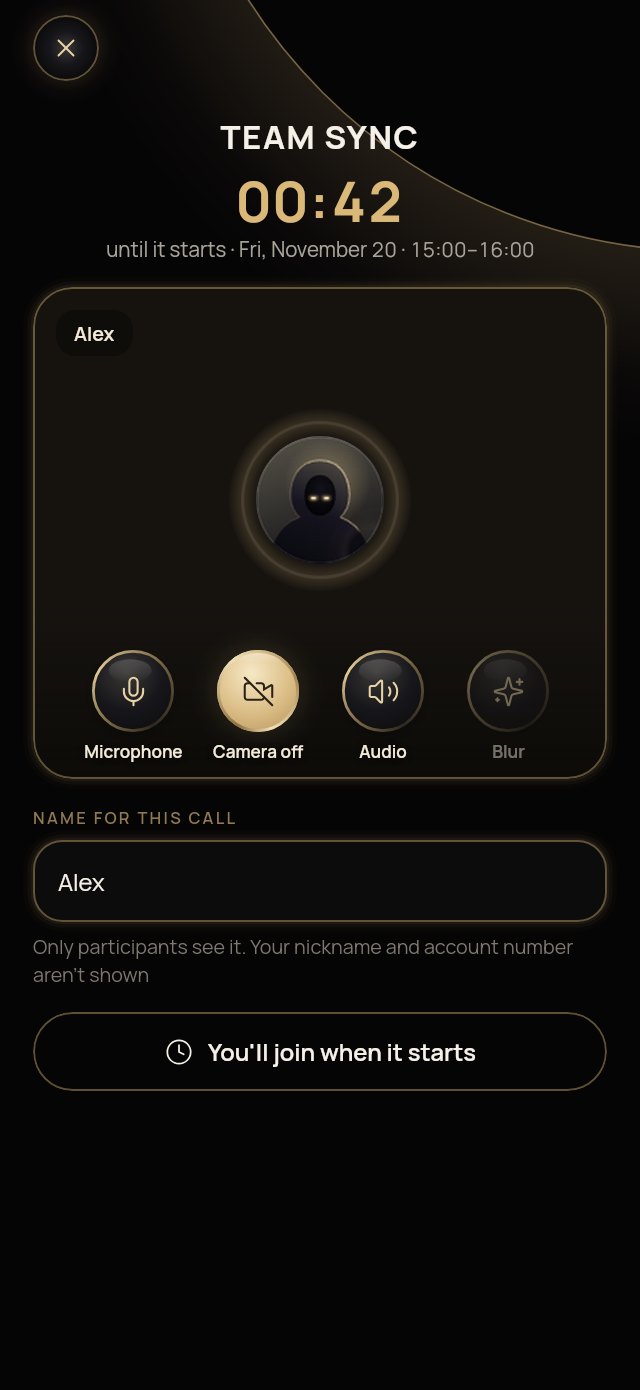
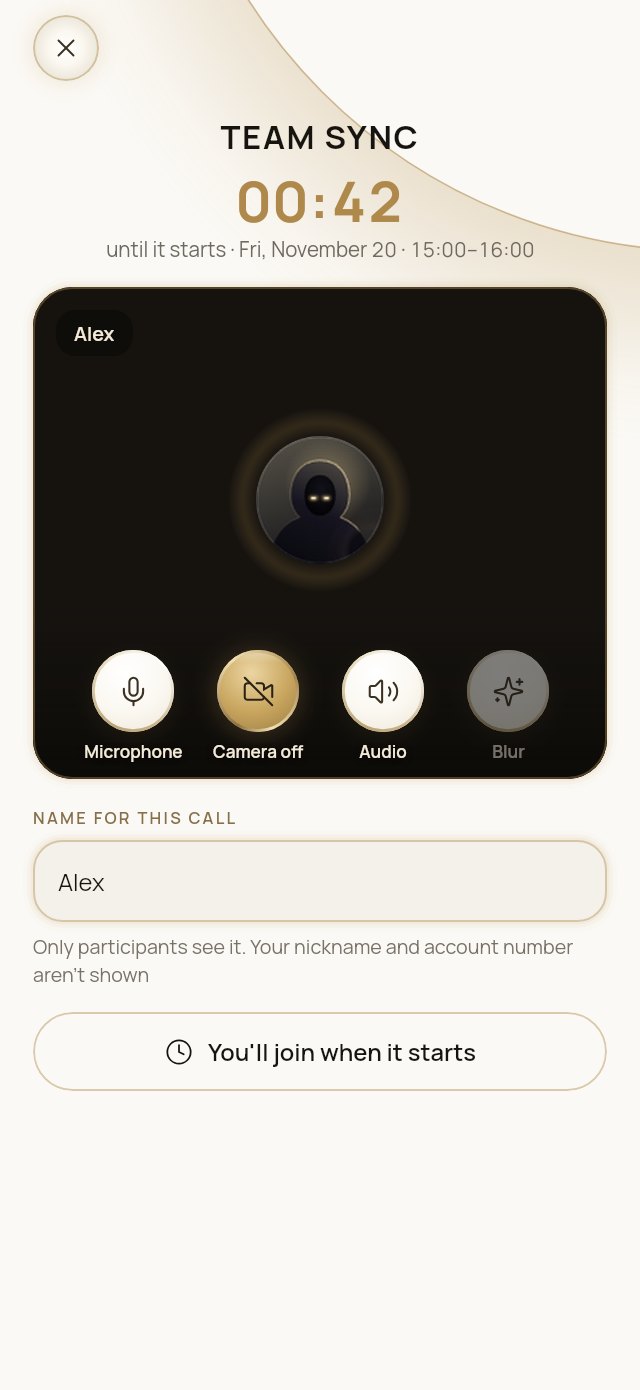
Check yourself before you join. Camera, microphone, sound output and background blur, plus a countdown to the start by your device’s clock and time zone.
A name just for this meeting. Other participants see only the name you type. Your username, account number and contacts stay hidden.
The same controls as a call
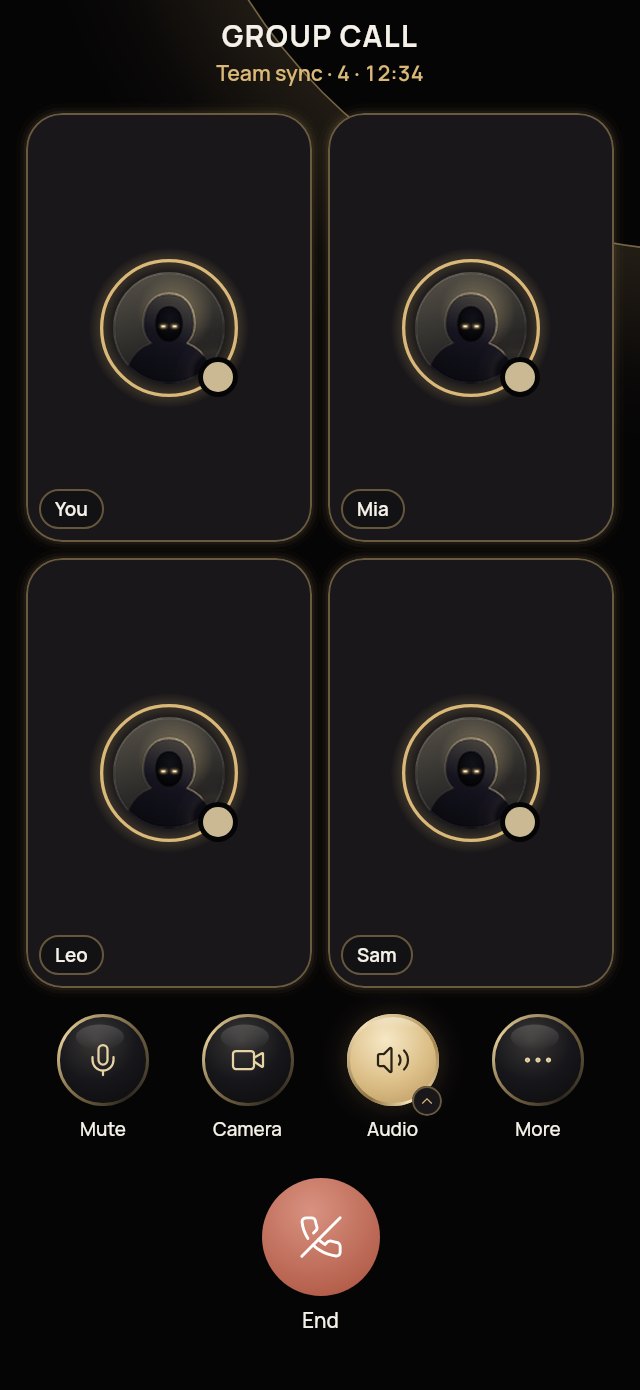
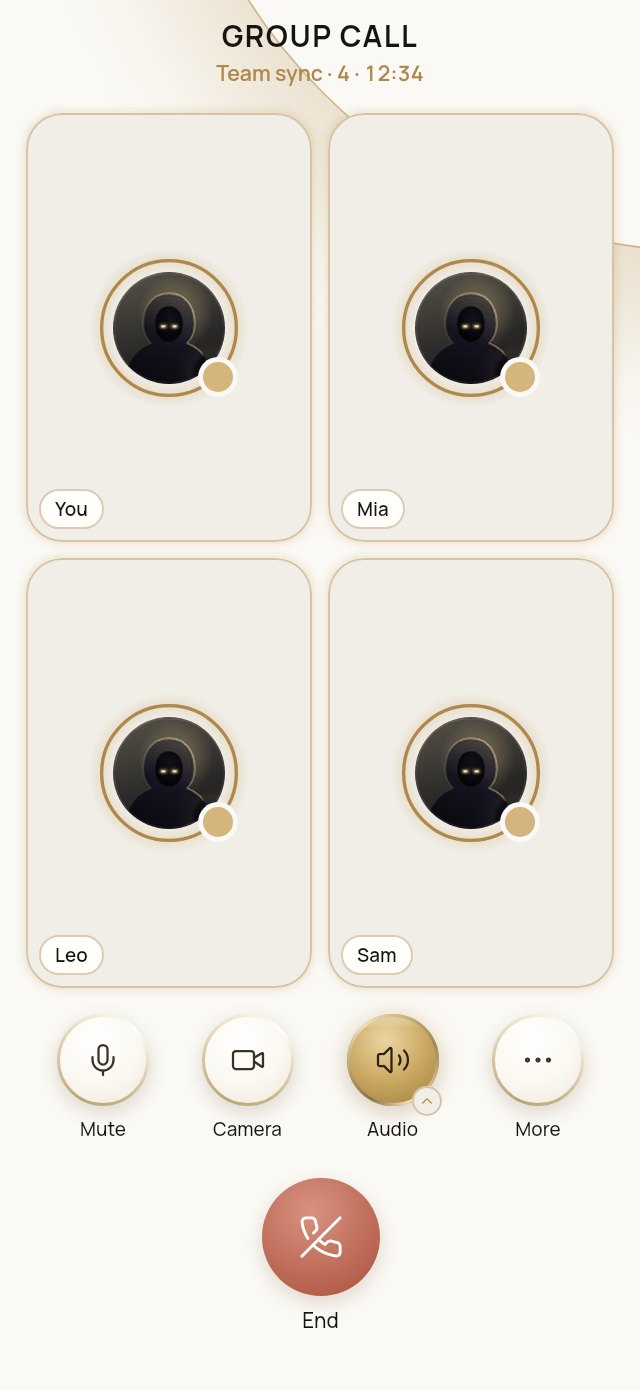
Everything you know from calls. Mute, camera, sound output (speaker, earpiece, Bluetooth), background blur, switching cameras and voice mask.
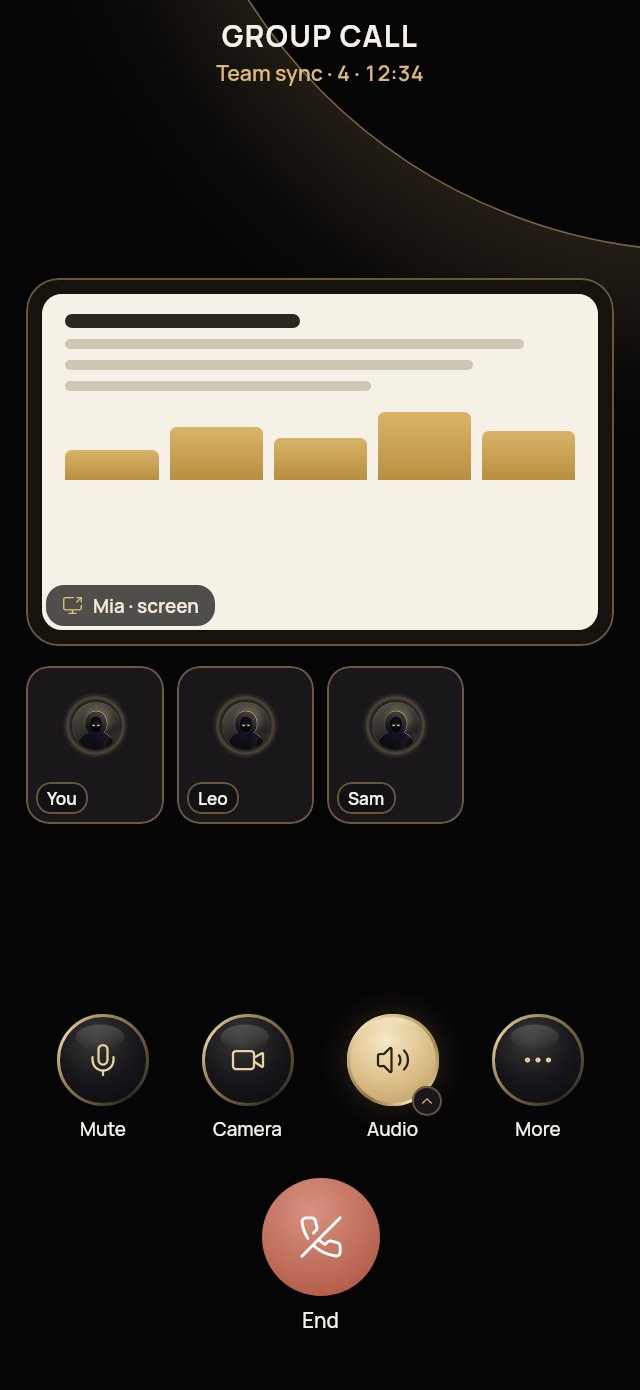
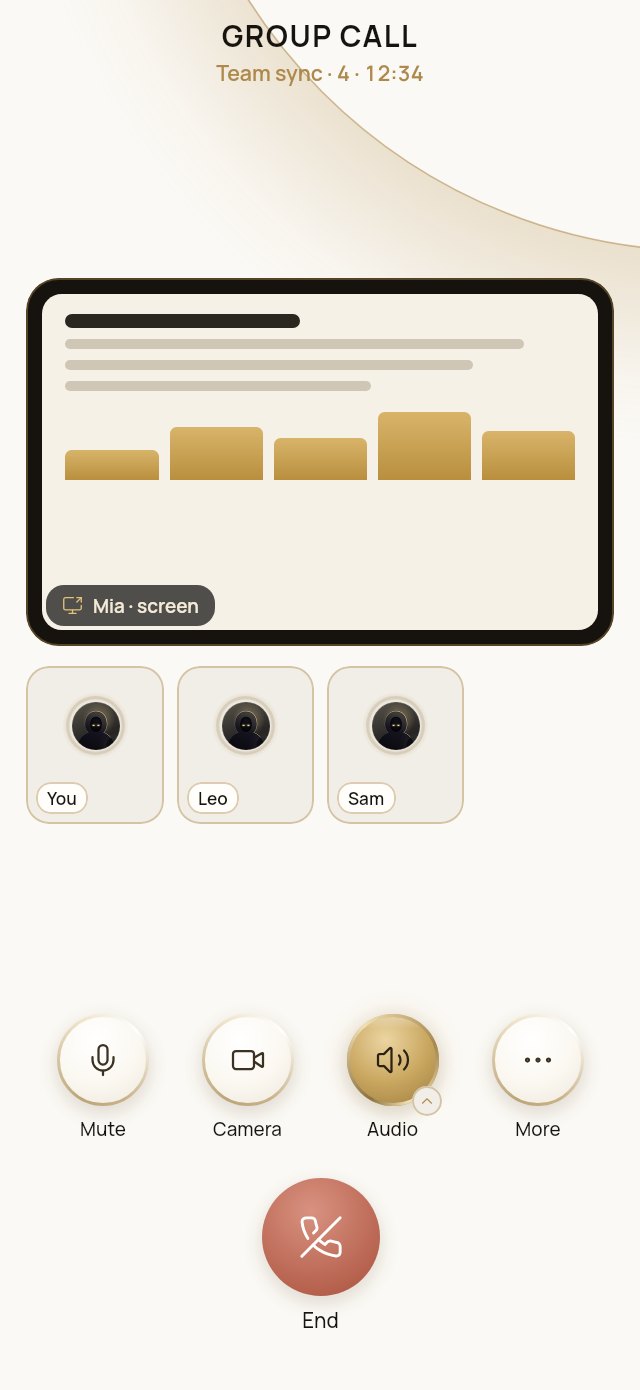
Share your screen. Show your whole screen or a single window from a computer, or your screen from a phone. Others see it in full, without cropping.
Move between phone and computer. Continue the meeting on your linked computer, or back on the phone, without joining again. Other participants don’t see you leave.
The organizer stays in control. Admit people from the waiting room, close the meeting to newcomers, issue a new link, or stop someone else’s screen share.
How the link is protected
The key never reaches the server.
The meeting key sits in the part of the link after “#”. Browsers don’t send that part anywhere, and the app reads the key on your device.
A random room number.
The server receives only a 100-bit random room number. It has no list of who created the meeting or who joined it.
Post-quantum encryption.
Call keys are agreed with hybrid X25519 + ML-KEM-1024. A recording of today’s traffic won’t decrypt even with a future quantum computer.
Premium without revealing who you are.
Creating and joining meetings is part of Premium. The app proves it with an anonymous blind-signed token, so the server learns that the user is Premium, not who they are.
Links don’t live forever.
A scheduled meeting’s link works until one hour after it ends. A meeting with no end time closes after 24 hours with nobody in it, and after 7 days at most.
What the server can still see
That devices connected, and when.
The server sees the room number, the scheduled times, the participant limit, and how many devices are connected and when. Turn on Tor to hide your IP address as well.
Participants are trusted with the key.
Anyone who has the link has the meeting key. Share it only with the people you mean to invite, or make the meeting closed.
No protection from a screenshot.
We can’t stop another participant from recording their screen.
Is it free?
Meetings by link are part of Premium: creating and joining both need it. Calls with your contacts and groups work as before.
The Terms of Use apply to meetings too. Screens from the app with demo data.
Try meetings by link
A free trial with everything open, then a few contacts stay free for good. No card required.