A hidden message in an ordinary photo
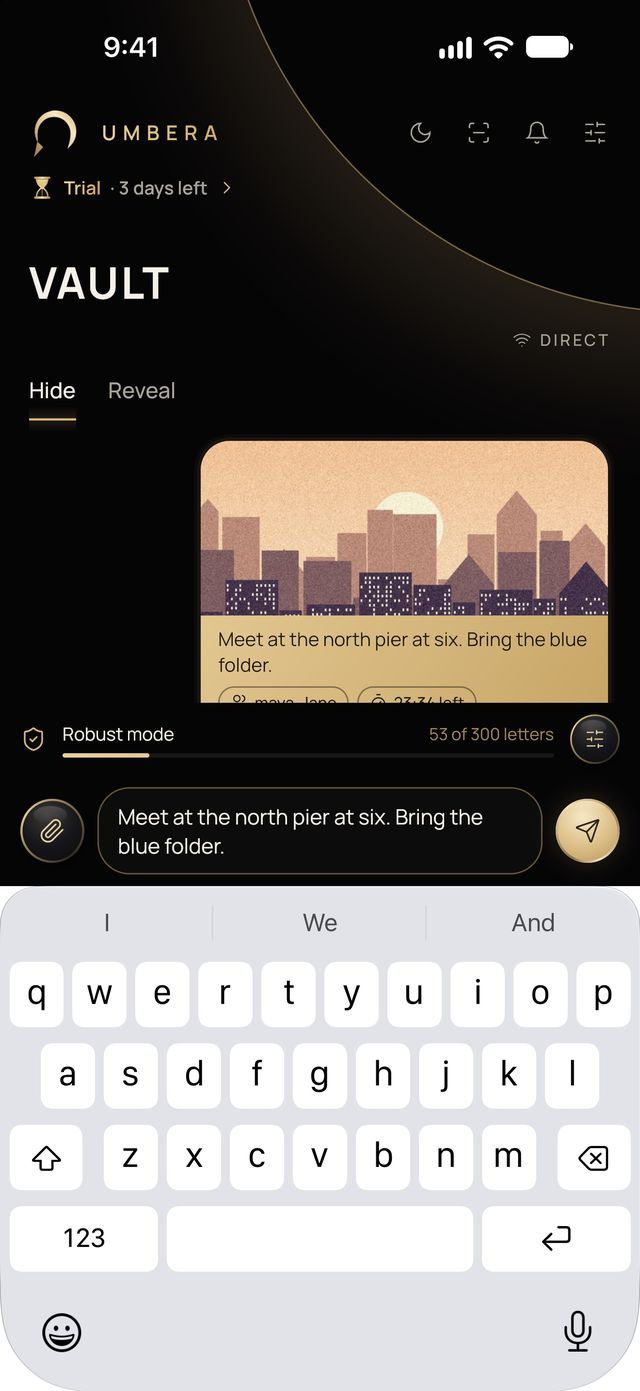
Vault puts a text or voice message inside the noise of a photo or video. The file stays an ordinary file in the same format and frame size. Only the people you give the key to can open it, and the message stops opening when its time runs out.
How it works
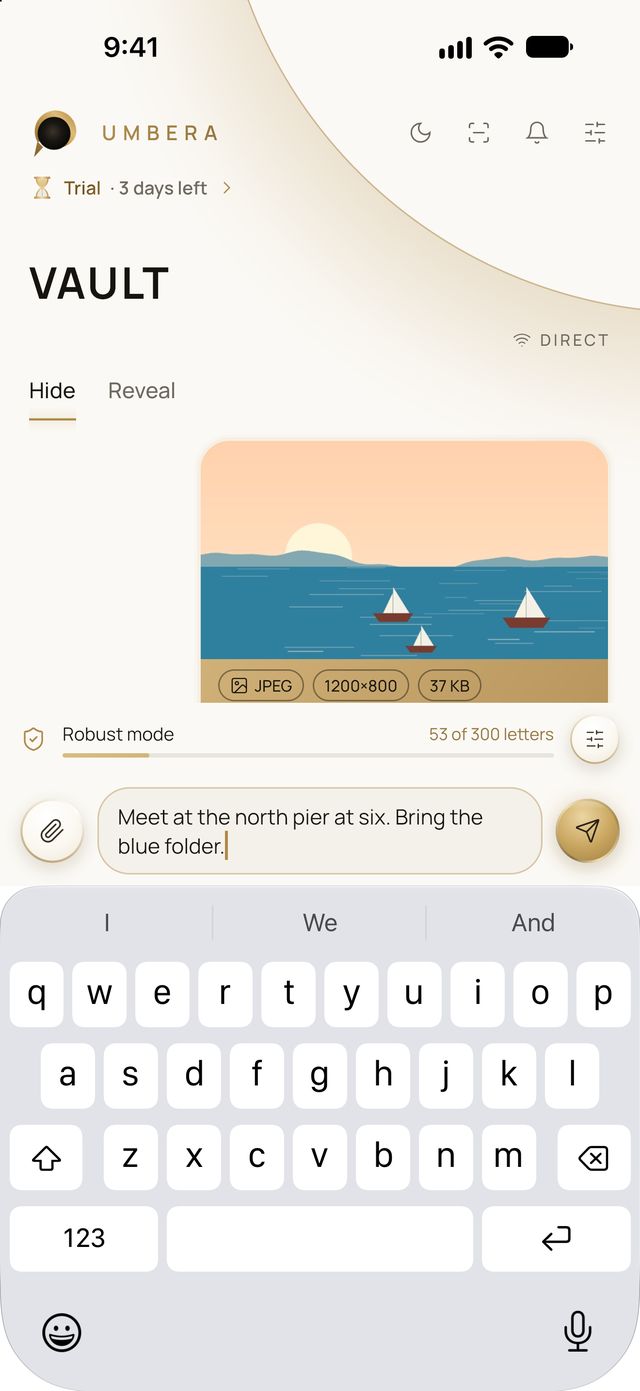
1. Choose a photo or video. From your library or files, or take one right there. JPEG, HEIC, PNG, WebP, MP4, MOV and WebM are suitable. The more detail in the shot, the better.
2. Type or record your voice. Just like in a chat. Robust mode holds a short text; voice needs a carrier with more room, and the app tells you when it doesn’t fit.
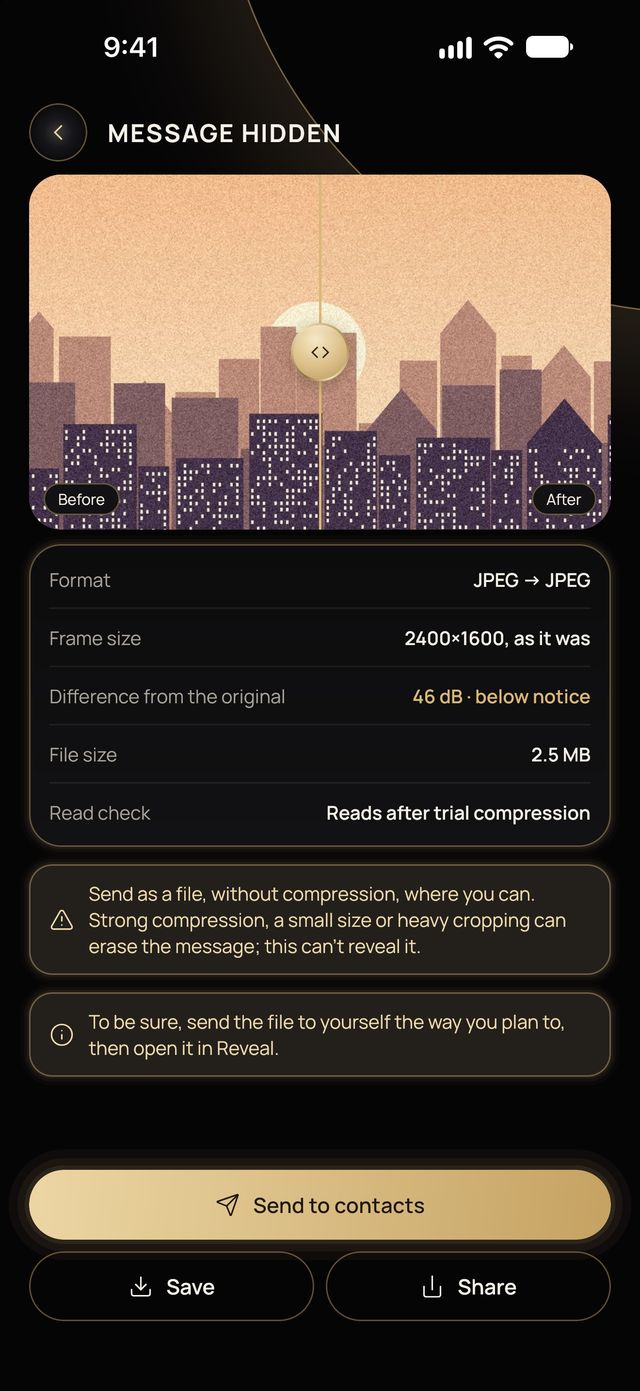
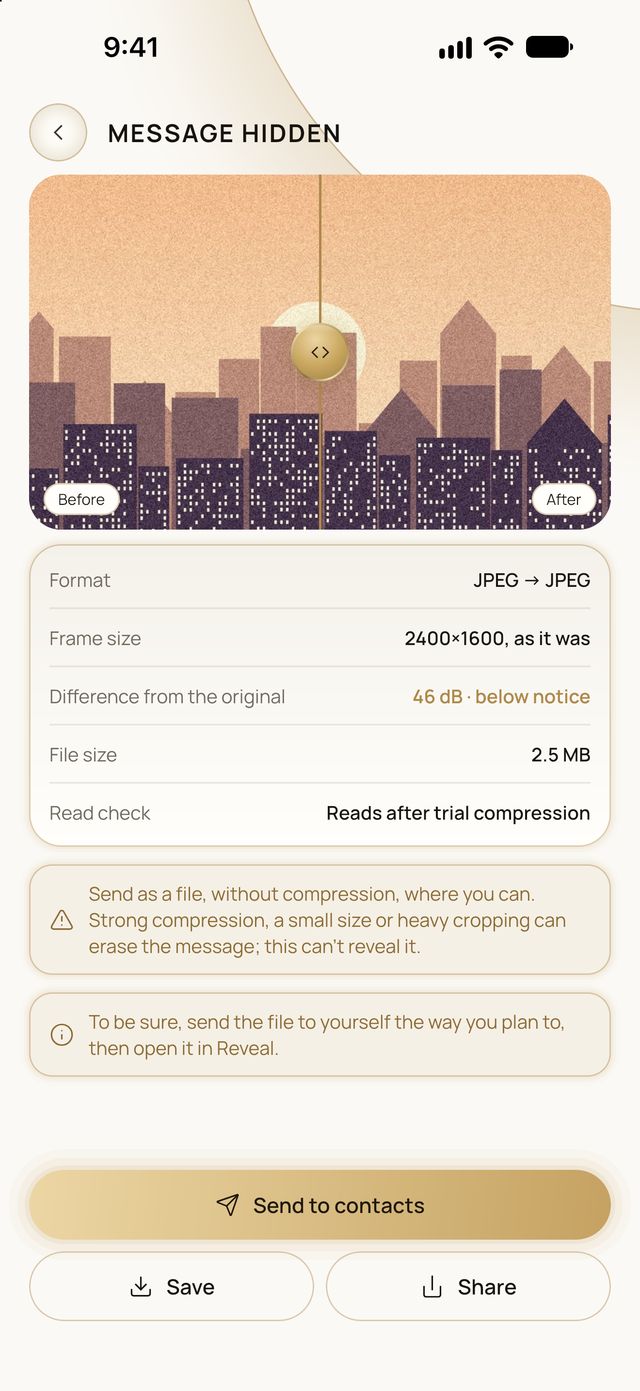
3. Send or save. Send it to contacts or a group, or save and share the file yourself. Before you send, the app shows the difference from the original and checks that the message reads back.
Scanner at the top of the screen
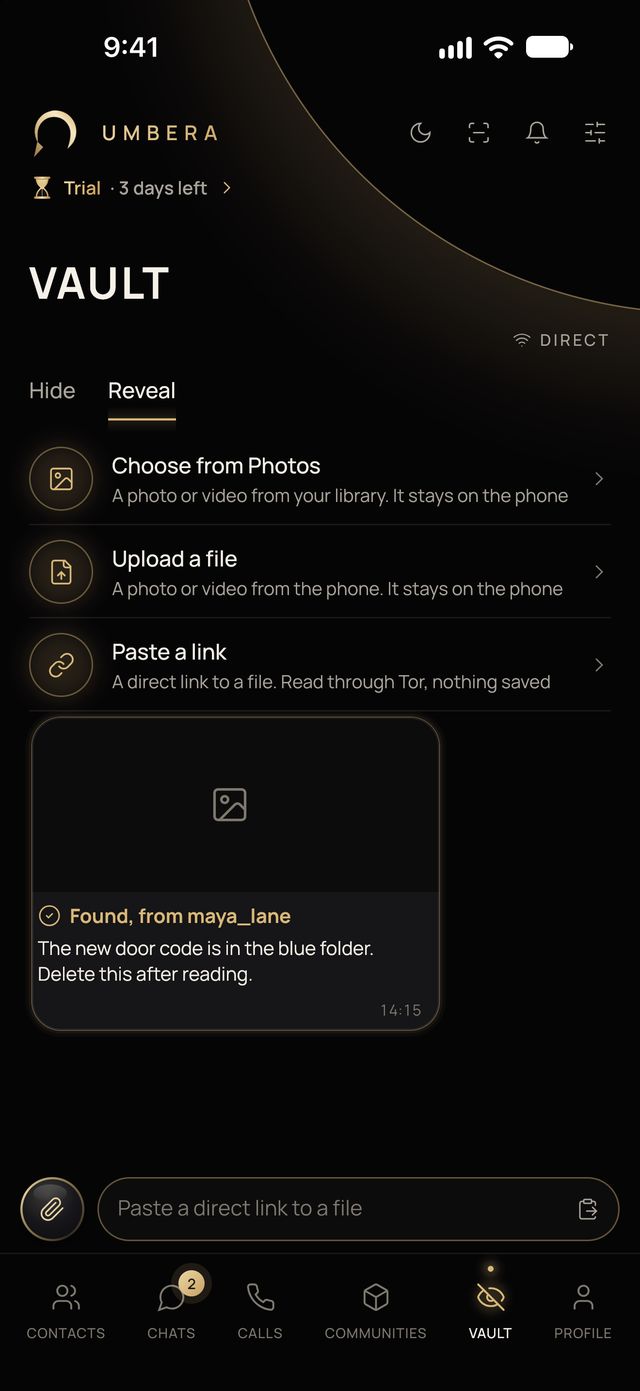
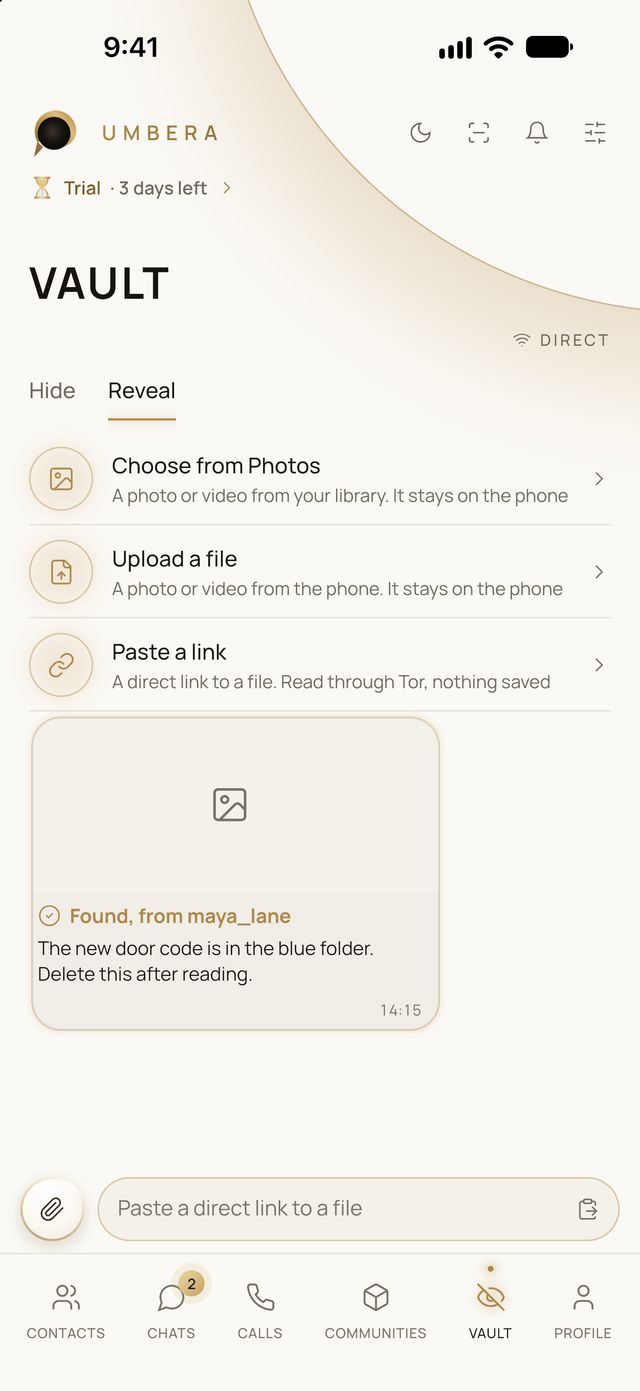
It looks where you tell it. Photos and videos on the phone, files from Umbera chats, a folder you choose, or a direct link to a file.
It finds only what is meant for you. It tries your keys on each file. The rest stay empty for you: either there is no message, or it’s for someone else.
Everything stays on the phone. The server doesn’t learn what you looked for or what you found. You can turn the scanner off.
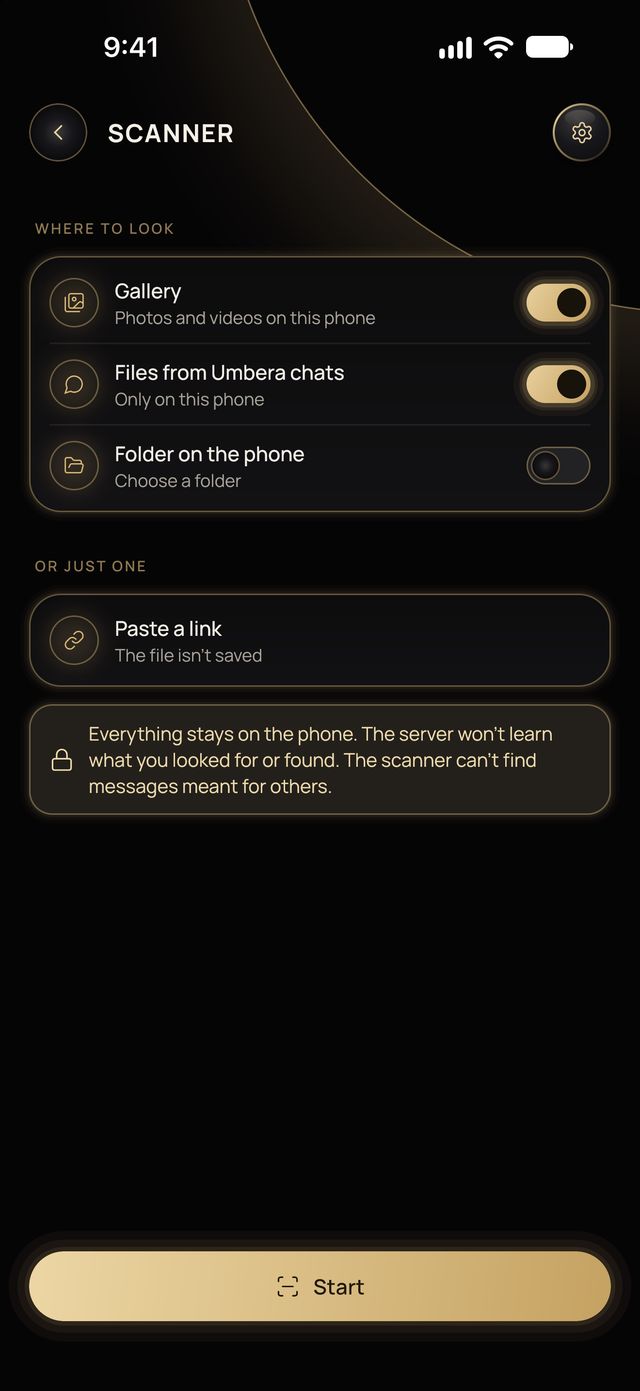
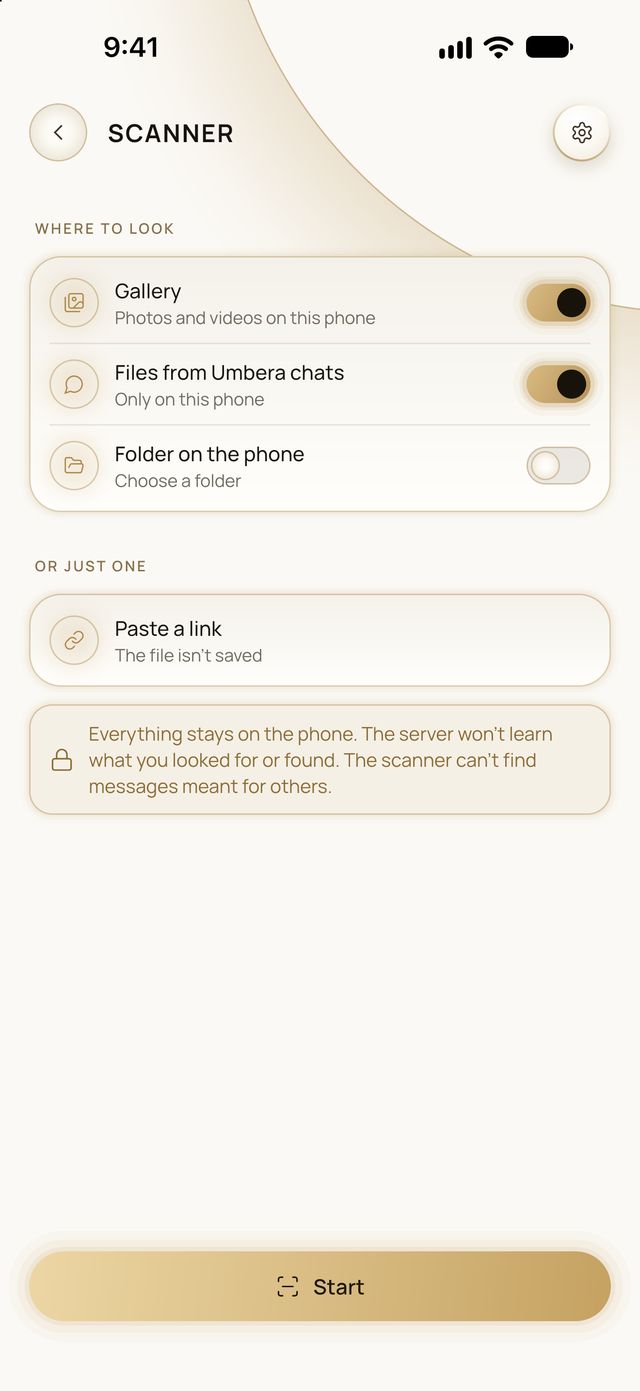
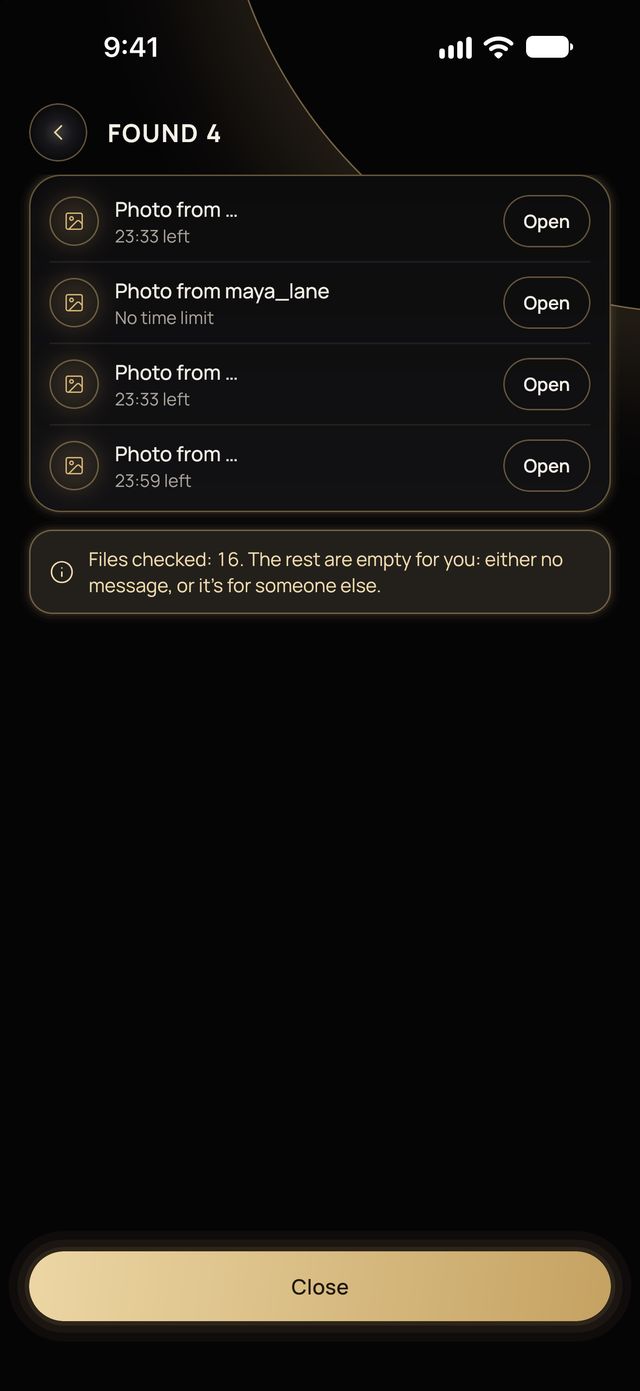
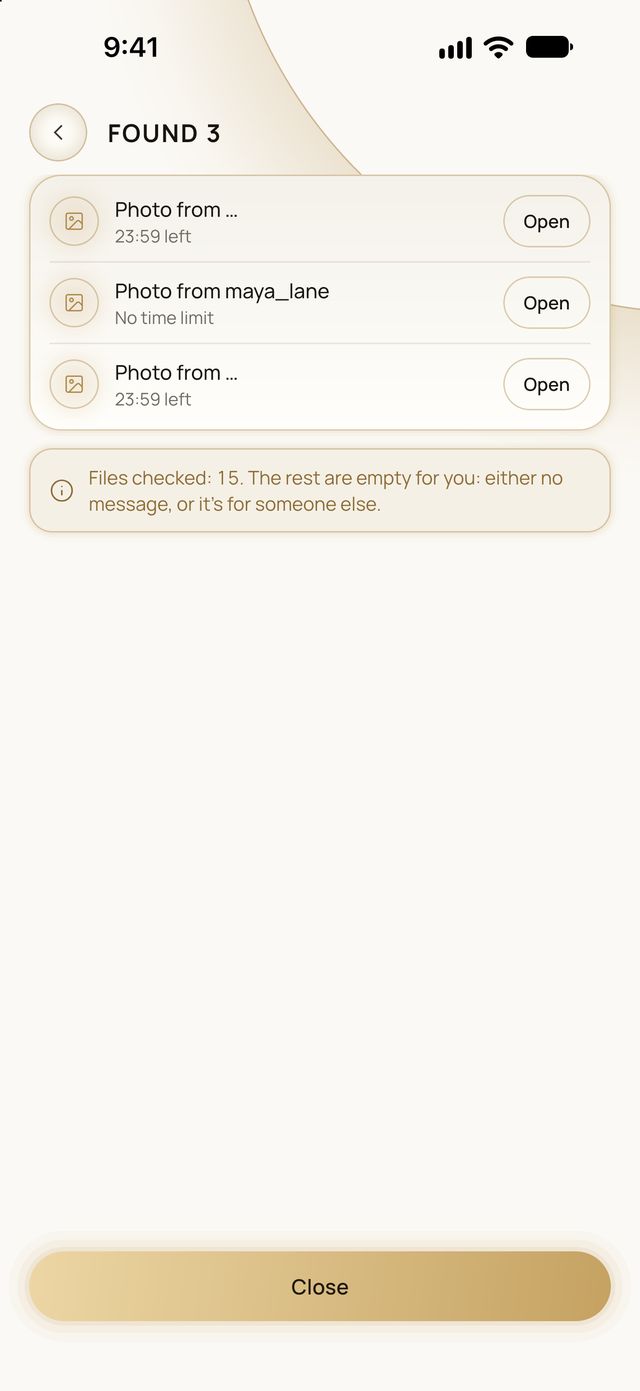
As long as you choose
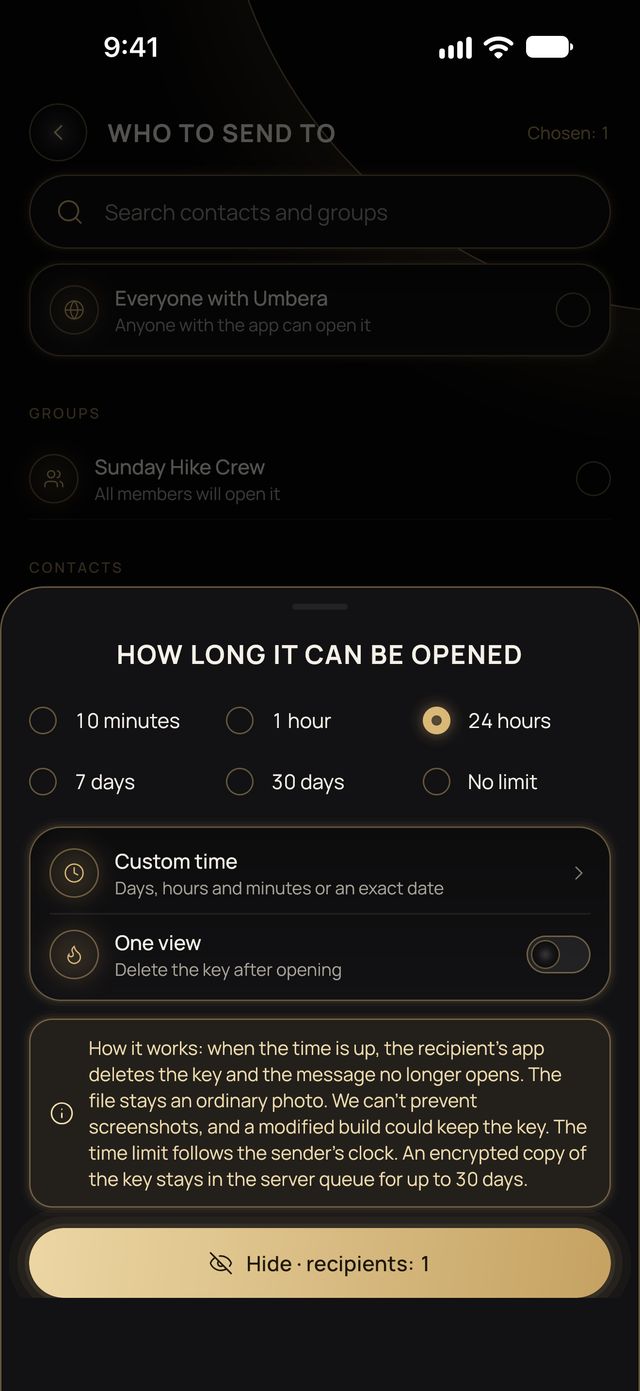
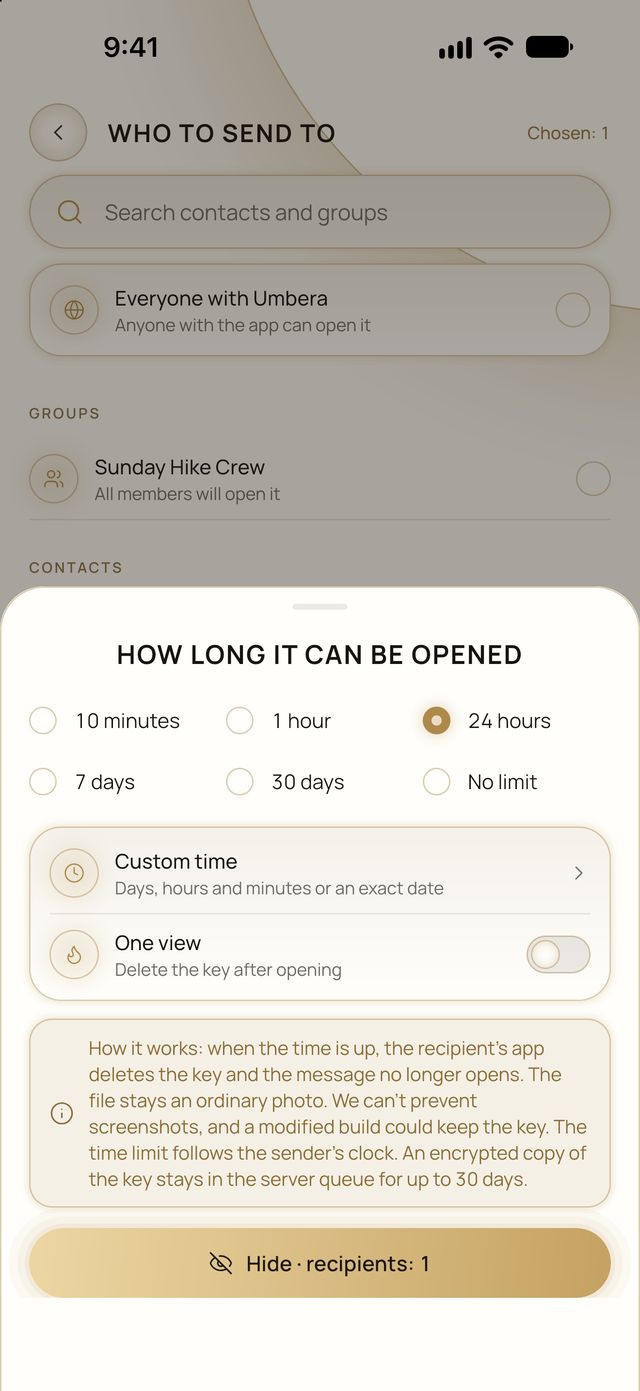
A time limit for each message. From 10 minutes to 30 days, your own time, no limit, or one view.
How the limit works. When the time is up, the recipient’s app deletes the key and the message no longer opens. The file stays an ordinary photo. The limit follows the sender’s clock, and an encrypted copy of the key stays in the server queue for up to 30 days.
What Vault cannot do
It doesn’t promise that nobody can tell.
Statistical analysis can suspect that a file carries something. Even so, without the key the message can’t be read.
Compression can erase a message.
Strong compression, a small size or heavy cropping can erase it. That doesn’t reveal it, but it won’t open. Send the file without compression where you can, and test the route first.
Not every picture works.
A picture with too little texture is refused, because the message couldn’t be hidden in it without traces or read back reliably.
A time limit isn’t a guarantee.
We can’t prevent screenshots, and a modified build could keep the key.
“Everyone with Umbera” isn’t secret.
In this mode anyone with the app can open the message, so the promises above don’t apply to it.
Is it free?
Yes, with your free contacts. Sending to more people follows the same limit as everything else in Umbera.
The Terms of Use and community rules apply to hidden messages too. Screens from the app with demo data.
Try Vault
A free trial with everything open, then a few contacts stay free for good. No card required.